- New
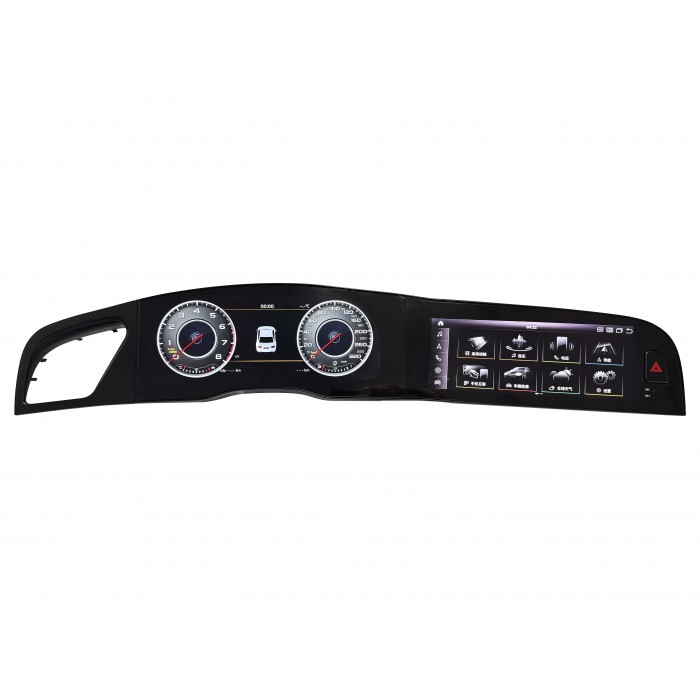


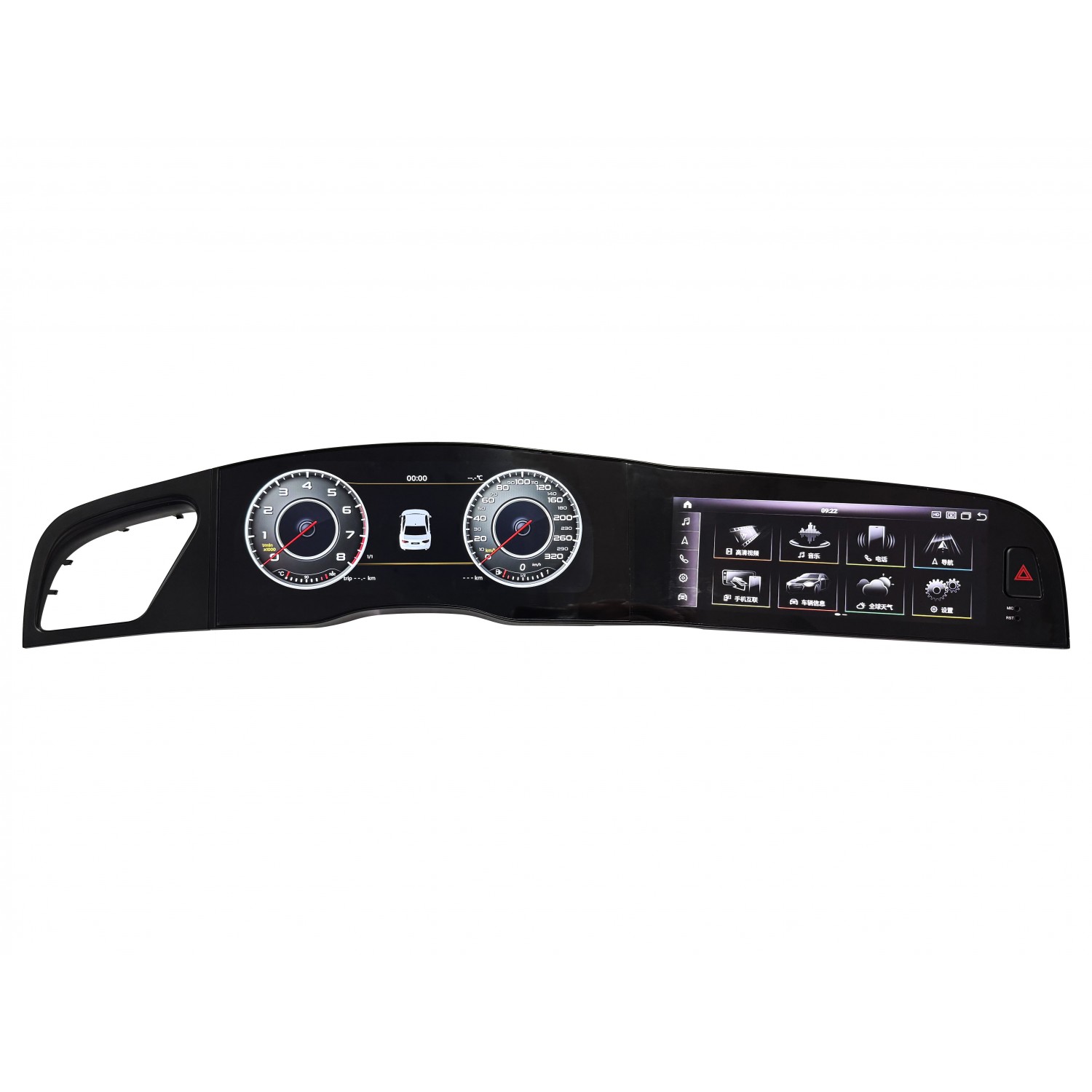
Audi A5 2008-2016: 12.3" digital cluster and 10.25" Android screen with central-screen CarPlay included. Choose 8 GB RAM with 64 or 128 GB storage, plus optional cluster CarPlay. We check photographs of your factory system before preparing the correct version. TradeTec TR5023.

Audi A5 2008-2016: 12.3" digital cluster and 10.25" Android screen with central-screen CarPlay included. Choose 8 GB RAM with 64 or 128 GB storage, plus optional cluster CarPlay. We check photographs of your factory system before preparing the correct version. TradeTec TR5023.
Update the driving environment of your Audi A5 2008-2016 with the TradeTec TR5023: a 12.3-inch digital instrument cluster and a 10.25-inch Android multimedia display. The package refreshes the driver’s display and the centre console together, combining vehicle information with modern navigation, smartphone connectivity and compatible apps. The correct version is prepared after checking photographs of your original system.
The display in front of the driver replaces the analogue instrument cluster and presents speed, engine RPM, warning indicators and the vehicle information supported by the car’s equipment. Its primary purpose remains driving information. The central screen is the navigation and multimedia interface: it runs the Android system and provides access to compatible apps, music and smartphone functions.
The two displays operate independently and are not fully synchronised. Installing this package does not automatically duplicate every Android application on the instrument cluster. This is why the CarPlay function included on the central display is distinguished from the optional CarPlay functionality prepared for the digital cluster.
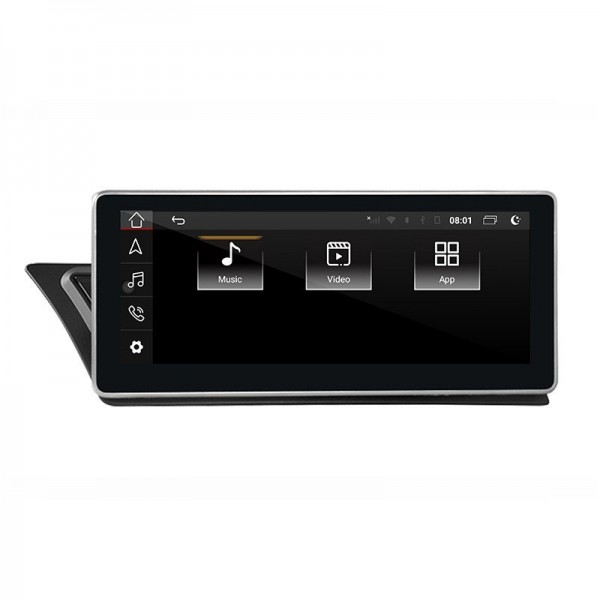
The 10.25-inch central unit uses Android 13, a Qualcomm 6125 processor and a 1920 × 720-pixel screen specification. Its capacitive multi-touch interface provides direct access to menus and compatible applications. Display and brightness settings let you adapt the screen to the available light and your preferred presentation.
Compatible navigation apps such as Google Maps or Waze can be used on the central screen. Offline navigation depends on the selected application supporting downloaded maps. Live traffic, online searches, streaming and other Internet-based services require an available data connection. Installing an application does not include any subscription its provider may require.
The system brings together music playback, multimedia files and compatible Android apps. Wi-Fi, 4G LTE connectivity and Bluetooth functions offer connection options according to the equipment configuration and the connected phone. Available USB connections support compatible external storage devices. Video and entertainment functions should be used while the vehicle is stationary.
The storage capacity refers to the Android multimedia system; it does not mean that both displays each have a separate, identical amount of storage. Choose the required storage and CarPlay configuration using the options on this product page. The displayed product price updates to match your selection.
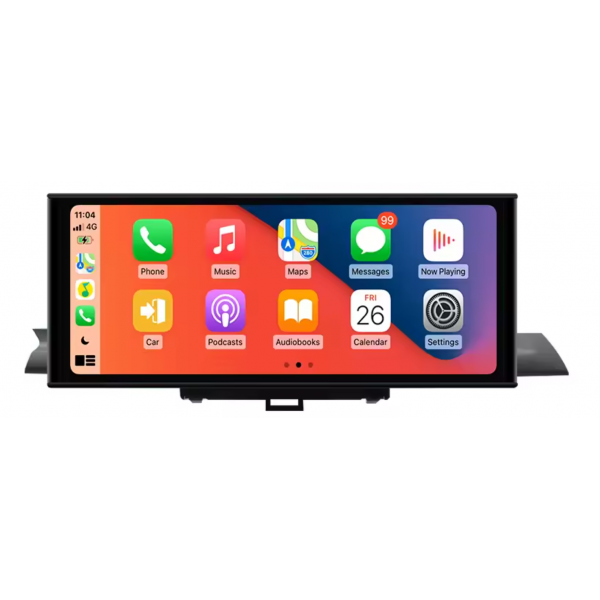
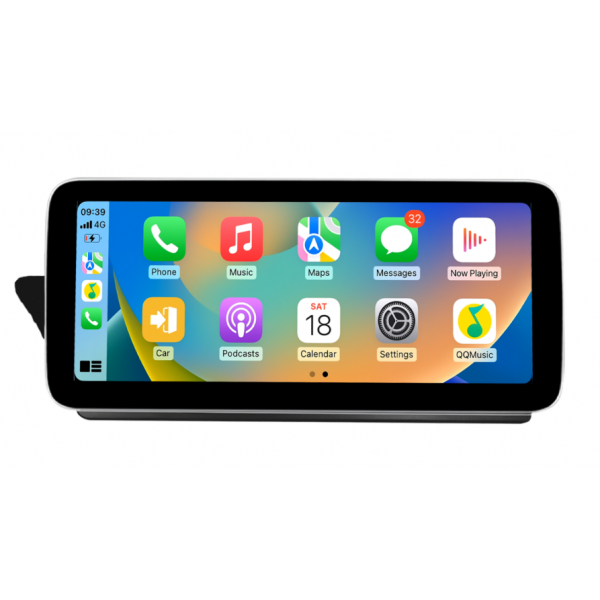
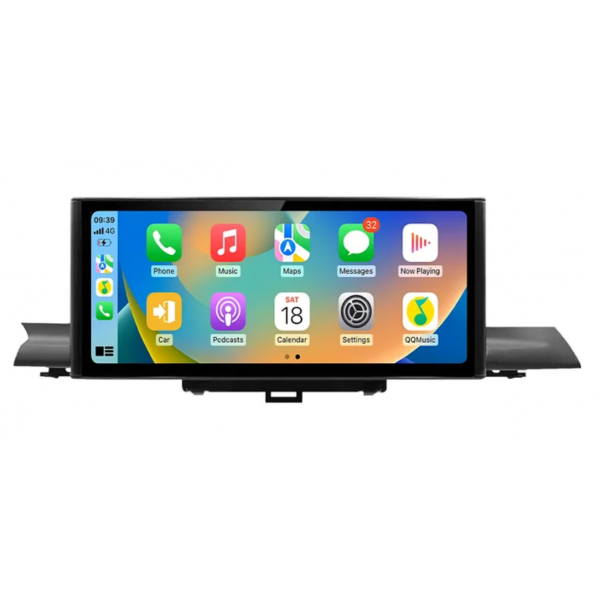
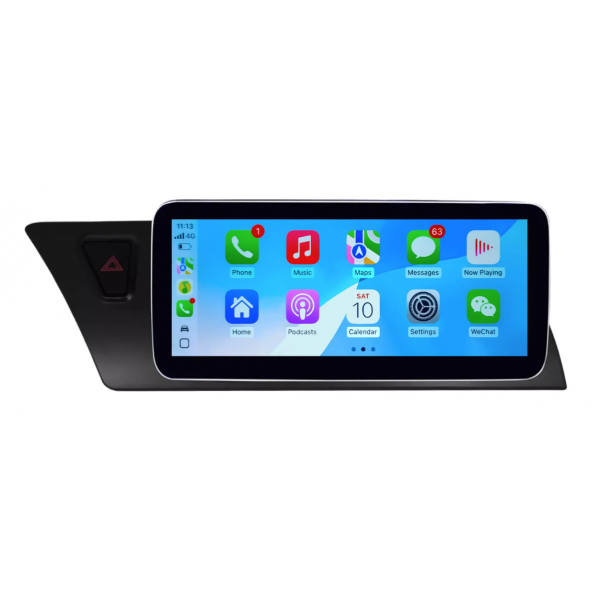
The central multimedia display includes wireless Apple CarPlay and Android Auto compatibility. These platforms provide access to supported smartphone applications for navigation, calls and audio. Availability of a specific application depends on the phone, its operating system and the relevant service.
To use the supported CarPlay functions on the screen in front of the driver as well, choose “Central screen and instrument cluster” under “CarPlay in the instrument cluster”. This is an additional option, rather than a general mirror of Android. It supports compatible iPhone navigation functions, including Apple Maps, Google Maps or Waze, in the prepared cluster configuration.
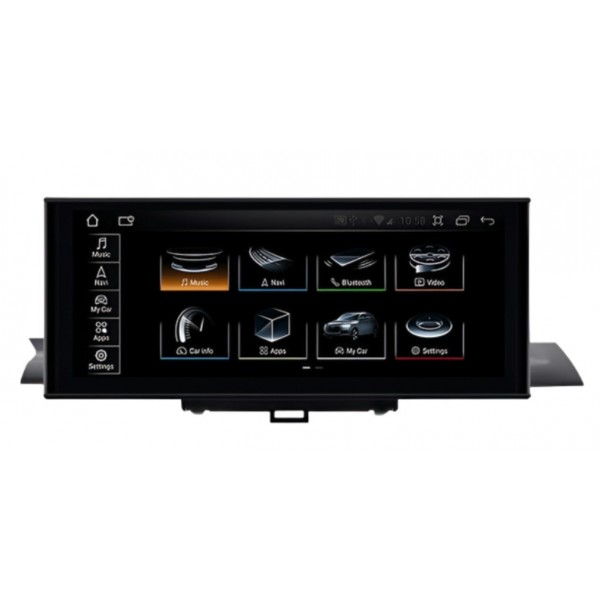
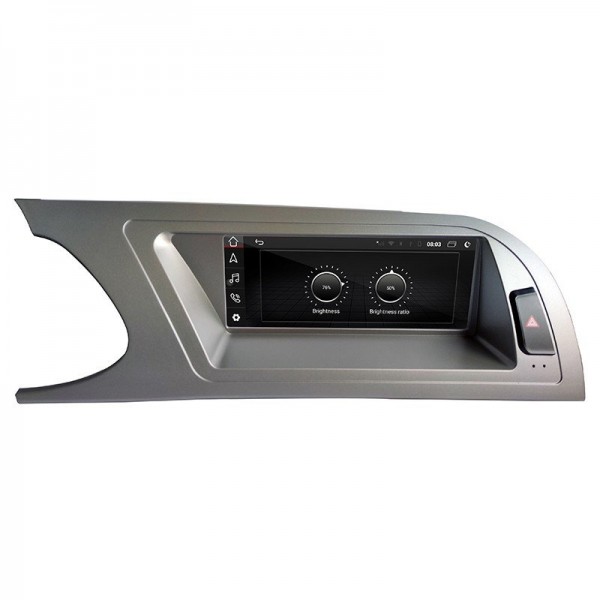
This listing is for the Audi A5 2008-2016 generation. The gallery shows the equipment and a real installation with an Audi Symphony radio. These images help illustrate the result, but the version supplied is selected by checking your own vehicle’s equipment. A matching registration year or similar dashboard appearance alone does not confirm the original configuration.
You do not need to identify or select MMI 2G or MMI 3G when ordering. We will ask for photographs before preparing the equipment and check the original version for you. This avoids making you choose between unfamiliar technical versions. Please provide clear pictures showing:
These photographs help us confirm the original configuration and the required connections. If the car has factory amplification, a camera or other equipment that may affect integration, mention it when sending the photographs. Retaining steering-wheel controls, sensors, cameras, vehicle settings and factory audio depends on the supported original equipment and the appropriate configuration.
The package uses a vehicle-specific wiring harness or adapter for integration with the original installation. Fitting includes mounting the components, connecting them and configuring both systems. We recommend installation by a professional familiar with this type of conversion, followed by checks of audio, controls, vehicle information and warning indicators.
The vehicle’s original mileage does not transfer automatically to the digital cluster. The correct mileage must be entered manually during configuration. Make sure the installer is aware of this before fitting the equipment. The cluster’s vehicle information and warning indicators must also be checked: installation is not complete simply because both screens power on.
The package comprises the 12.3-inch digital instrument cluster, the 10.25-inch Android multimedia screen for Audi A5, and the harness/adapter and connections corresponding to the prepared vehicle configuration. The 64 GB or 128 GB storage selection and the optional instrument-cluster CarPlay function are selected through the variants on this page. Gallery photographs illustrate the product; integration is checked for your particular vehicle.
No. Select the required memory and CarPlay options, then provide the requested photographs. TradeTec will check the factory configuration before preparing the shipment. Information about the car is still necessary, but you do not have to choose between the technical MMI versions yourself.
Not in general. The central display runs Android multimedia functions, while the cluster has its own instrumentation functions. Cluster CarPlay is the specific optional feature described in the selector; it does not turn the two displays into one extended screen.
This needs to be checked against the original system and accessories. Ask about camera, amplifier, sensor and control integration when sending your photographs so that the functions you require can be reviewed before the equipment is prepared.
Select the storage and CarPlay options, check that the reference matches your Audi model, and prepare photographs of the dashboard and factory multimedia system. If you need a particular function or have a question about installation, contact TradeTec so that we can check the configuration before fitting.
This bench demonstration shows the digital cluster and central screen operating. It complements the installed-equipment photographs in the gallery and is not a finished installation in every compatible vehicle. Watch the TradeTec video on YouTube.
Data sheet
(There are 12 other products in the same category)

Send us a whatsapp