
Search
+34 986 118 289
M-F:9:30-16:00h CET
My Cart
00
- empty
€0.00
New products

Mini digital instrument clusters
Digital instrument clusters for Mini
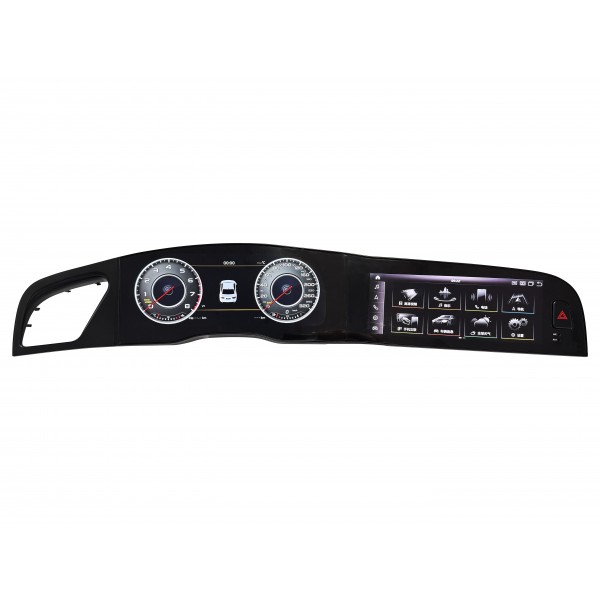
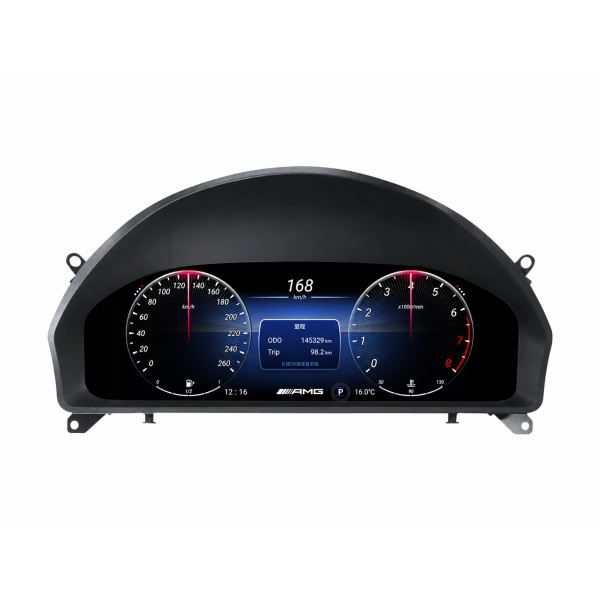
Mini digital speedometers: Refresh your MINI driver display with instrumentation for R and F families. The selection includes different designs, including an oval cluster, so you can compare display shape with its actual vehicle application.
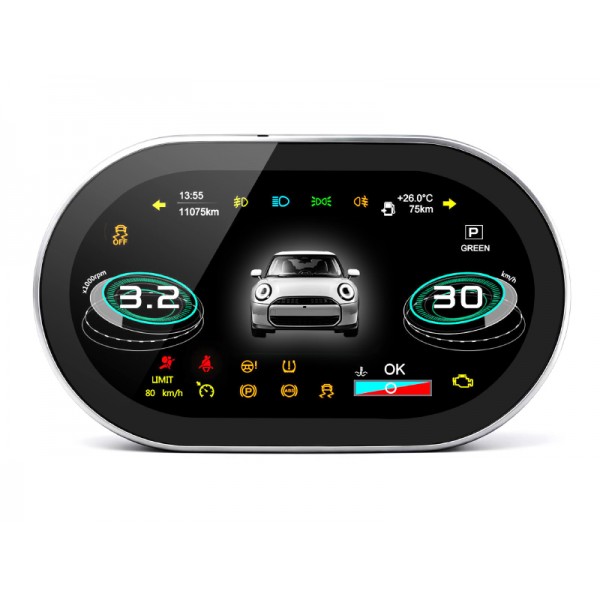
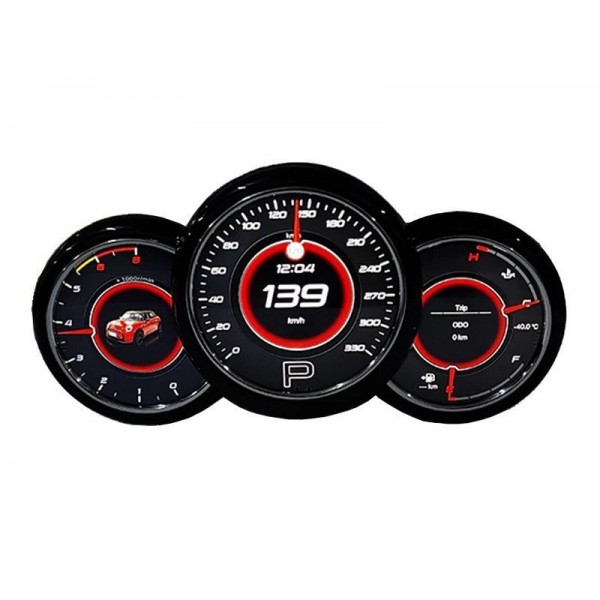

Choosing a digital cluster for your Mini
The selection includes applications for R50, R52, R53, R55, R56, R57, R60, R61, F54, F55, F56, F57 and F60. Fitment is checked by reference, not simply by display size or vehicle badge.
Models, generations and factory configuration
Check the body code and factory cluster photographs. TR4988 offers A and B configurations selected by comparing the original unit; its broad 2000-2023 range does not mean every MINI variant from those years fits. TR4162 and TR4163 cover their own families.
References to compare in this category
- Digital dashboard screen Mini R50 / R52 / R53 / R55 / R56 / R57 TR4162
- Digital dashboard screen Mini R60 / R61 / F54 / F55 / F56 / F57 / F60 TR4163
- Digital instrument cluster Mini R56 / R60 / F54 / F55 / F56 / F60 2000-2023 TR4988
Functions and differences between Mini clusters
Compare the oval design, instrumentation and available layouts in each product. The new TR4988 does not include CarPlay or Android Auto, so do not select it expecting these functions. Check other references separately for their connections.
Instrumentation, connectivity and central screen
A digital instrument cluster displays information in the driver area. CarPlay, Android Auto and Miracast are different functions and should only be treated as included when listed for the selected reference. Operating system, diagonal, resolution and layouts also vary; not every screen is touch-enabled or allows app installation.
Checks before ordering and installation
- Confirm the model, generation and year, including product restrictions.
- Compare a factory cluster photograph and select a variant where offered.
- Check steering side, engine and equipment when required by the product.
- Arrange professional installation and verify indicators, warning lights and information after fitting.
Send an interior photograph before we prepare the order if you need help identifying the configuration. Availability and lead time depend on the reference and selected variant; check the product status.
Frequently asked questions about Mini digital clusters
What is the difference between configurations A and B?
They are selected according to the original cluster shown in the compatibility images. Compare those photographs or send an interior picture before selecting a variant.
Are all original data and functions retained?
This depends on the vehicle and reference. Check the supported indicators and functions in the product; do not assume a function that is not described for that configuration.